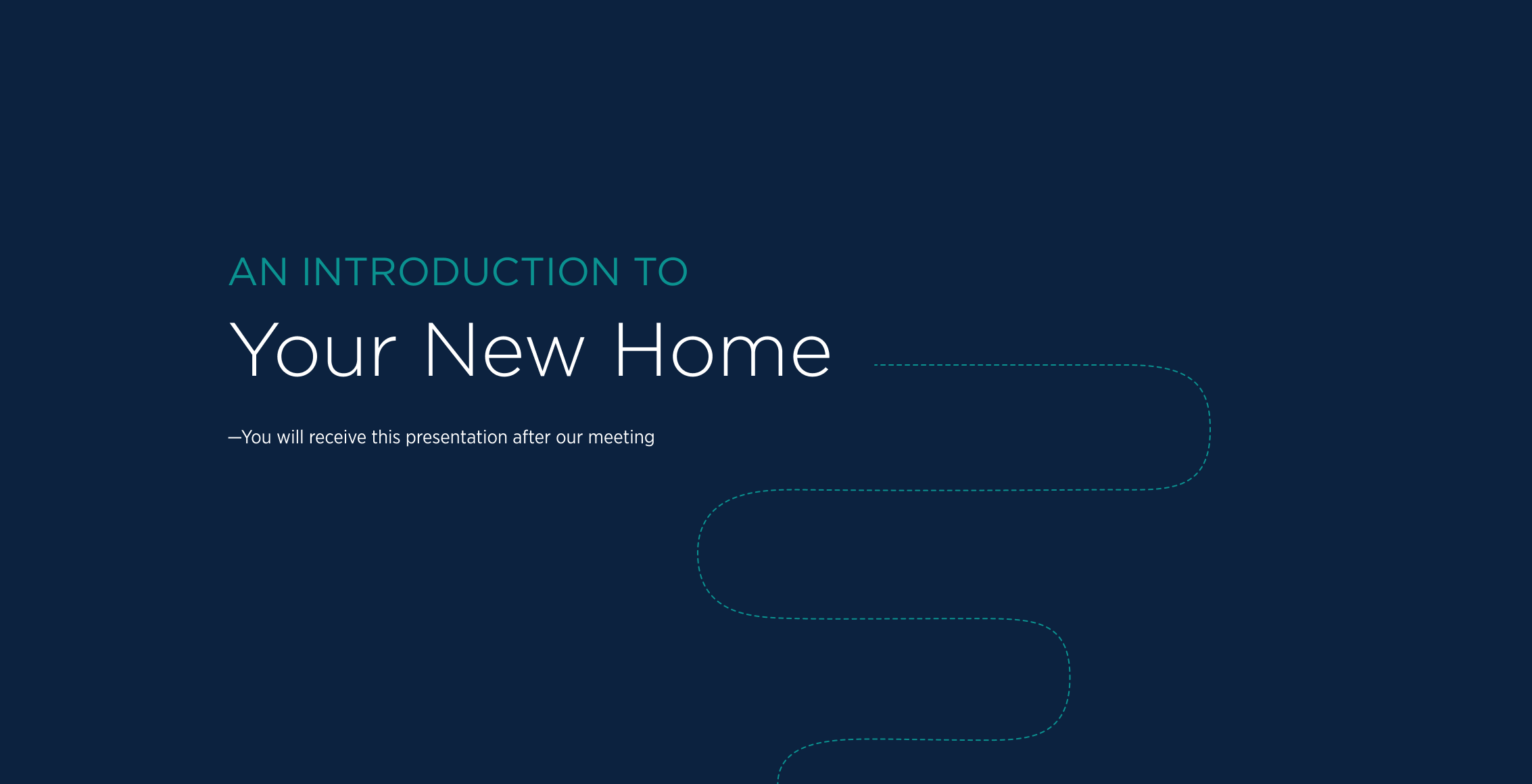
Overview
A meeting that happened on paper for decades.
The Home Orientation is a pre closing meeting where buyers learn about their home, warranty coverage, service requests, and maintenance.
When National Production wanted to digitize the process.
My Ownership on This Project
UX Strategy & IA
Translated a dense Excel content brief into a navigable three-section navigationale website.
Wireframes & Prototyping
Full wireframe set across all three sections in Figma, iterated through two rounds of stakeholder review before visual design began
Visual Design & Handoff
Custom icon system, and brand alignment with Toll Brothers national standards
Discover
The problem: A meeting with no consistent tool behind it.
Every Toll Brothers division handled the Home Orientation differently with custom PowerPoints, printed packets and checklists. There was no standard process, and buyers left without a clear resource to reference later.
Research & Discovery Methods
- Stakeholder workshops: Sessions with National Production, Content Management, and Customer Care to map the existing Home Orientation workflow and surface recurring failure points
- Content audit: Reviewed existing division decks, printed packets, and the New Home Journey site to understand what content already existed and where it lived across the organization
Key Findings
- No standardized tool: Every division had created its own version, resulting in inconsistent buyer experiences and duplicated production work nationally
- CMs needed a prop, not a script: The tool was designed to support a natural, conversational experience on iPad.
- No Wi-Fi in the home:The meeting happens inside a newly built home before internet service is active; offline-first delivery was non-negotiable
Define
Two audiences. Two very different jobs to be done.
The hardest design problem on this project wasn't visual, it was audience alignment. The same presentation had to work as a performance prop for a CM in real time and as a lasting reference document for a buyer six months later.
Construction Manager Goals
- A prop that guides the conversation
- Tap or arrow navigation: pacing control, not scrolling
- Confidence the content is accurate and nationally approved
Home Buyer Goals
- Understand warranty coverage, service process, and home care basics
- Provide a clear reference buyers can easily find and use months later.
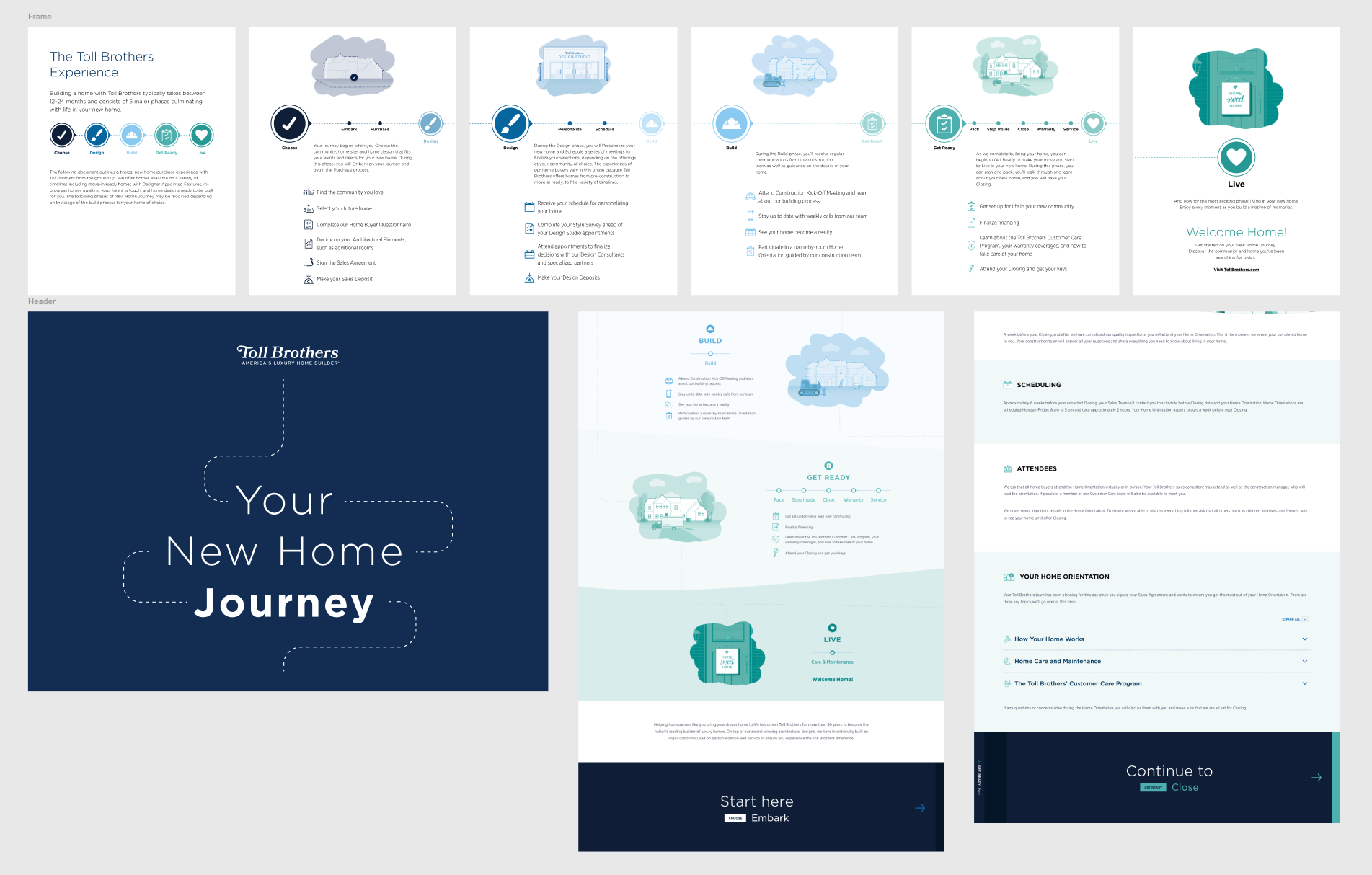
New Home Journey Site: The new build had to align with the existing New Home Journey brand to ensure consistency in tone, visuals, and overall experience.
Design Goals
Presentation feel, not a document feel
Navigation via arrows: tapping forward and back, not scrolling.
Three clear entry points mirroring the New Home Journey
Structure maps to Warranty, Services, and Home Care & Maintenance.
One national tool, zero division customization needed
Every decision had to work across every market, Adding division-specific hooks would recreate the exact fragmentation problem we were solving.
CX President
Figma comment · Early stakeholder review
"From a CM usability standpoint, I'd like this to feel like a presentation, where they navigate using 'next' arrows (vs. scrolling)"
Design Process
From an Excel spreadsheet to a national digital asset.
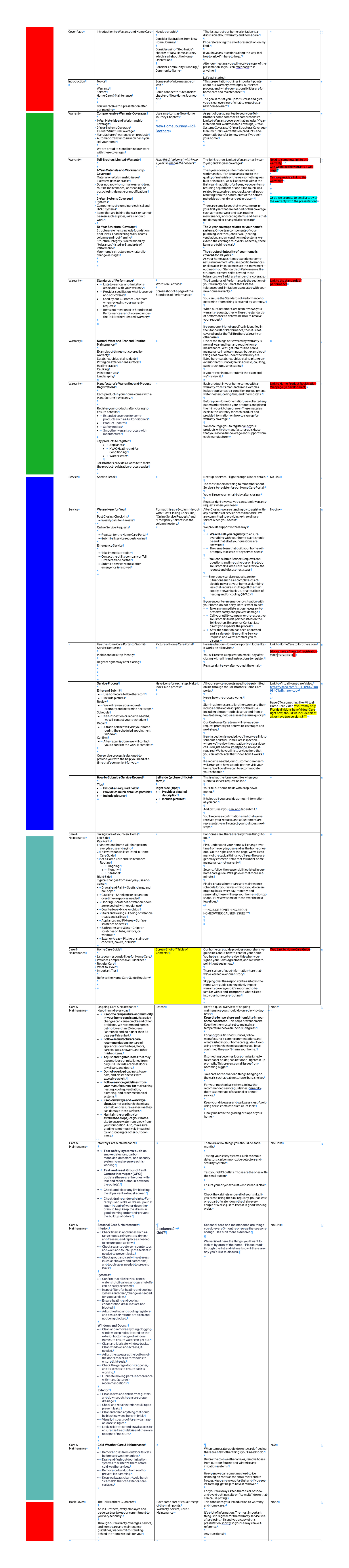
The content arrived as a color-coded Excel file mapping every topic, subtopic, and page structure across all three sections. My job was to interpret that flat data into a spatial, slide-based IA, then wireframe, iterate with stakeholders, and design through multiple format pivots as scope evolved.
Exploration
Key Design Challenges
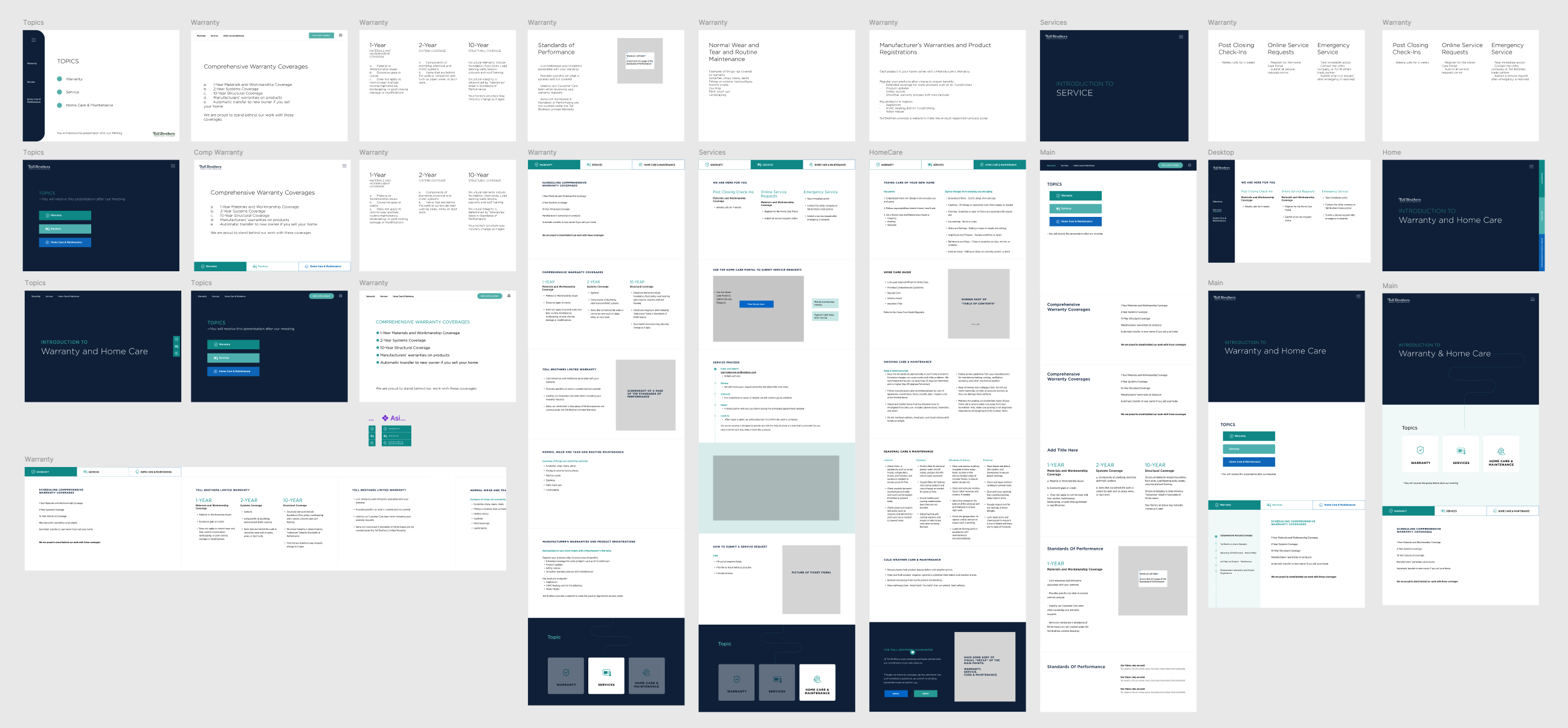
- How to structure 50+ topics across three sections without overwhelming either audience
- How to support non-linear navigation (topic picker) alongside linear progression (slide arrows) in the same interface
- How to design for three simultaneous output formats: live iPad, printed letter PDF, and emailed buyer reference
Exploration
Icon System
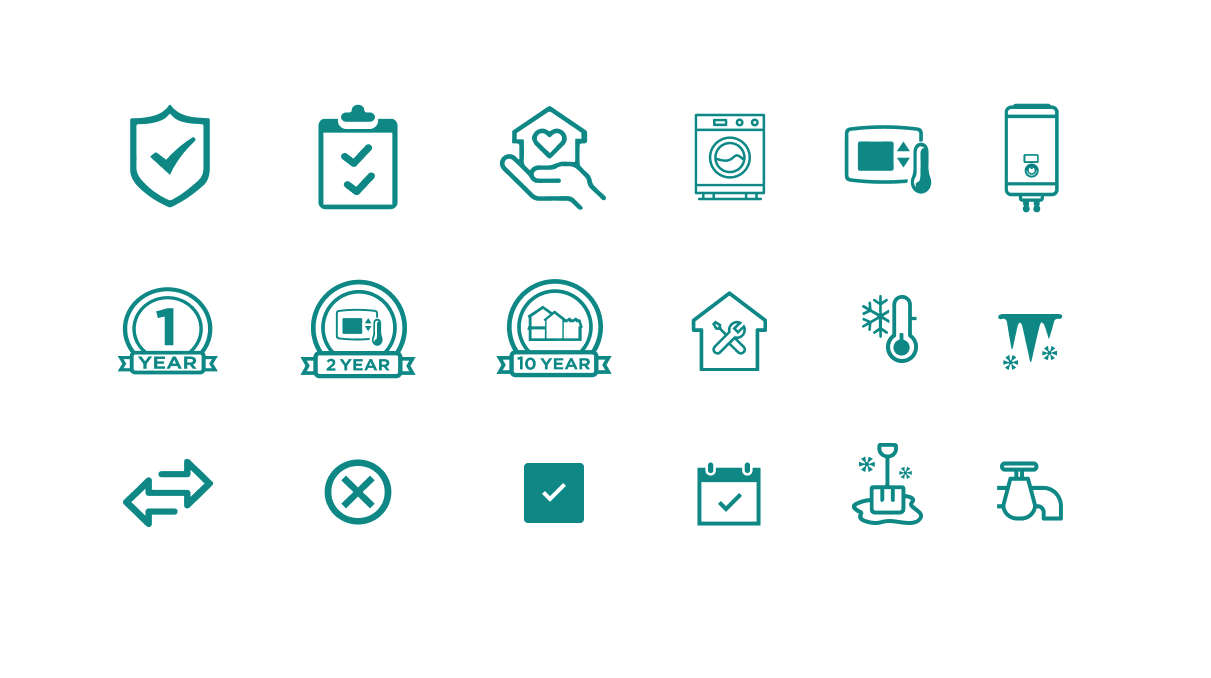
The icon system extended the existing teal palette and visual style from the New Home Journey experience. Existing icons were adapted where possible, and new icons were created to fill gaps for warranty coverage, appliance and system categories, and UI indicators, all designed to work consistently across light and dark backgrounds.
Key Design Decisions
Arrow-based slide navigation, not scrolling. Stakeholder direction confirmed this early: the CM needs to control pace like a presentation, not hunt through a long document. Tapping forward is the signal to move on.
Topic picker as macro navigation. Three entry-point cards (Warranty / Services / HC&M) on the homepage let CMs jump directly to any section, matching how they actually plan and run the meeting. Arrow nav handles progression within each section.
Division-level customization hooks. Requested by some stakeholders but deliberately excluded from v1. The core problem we were solving was fragmentation, adding per-division edit access risks recreating it.
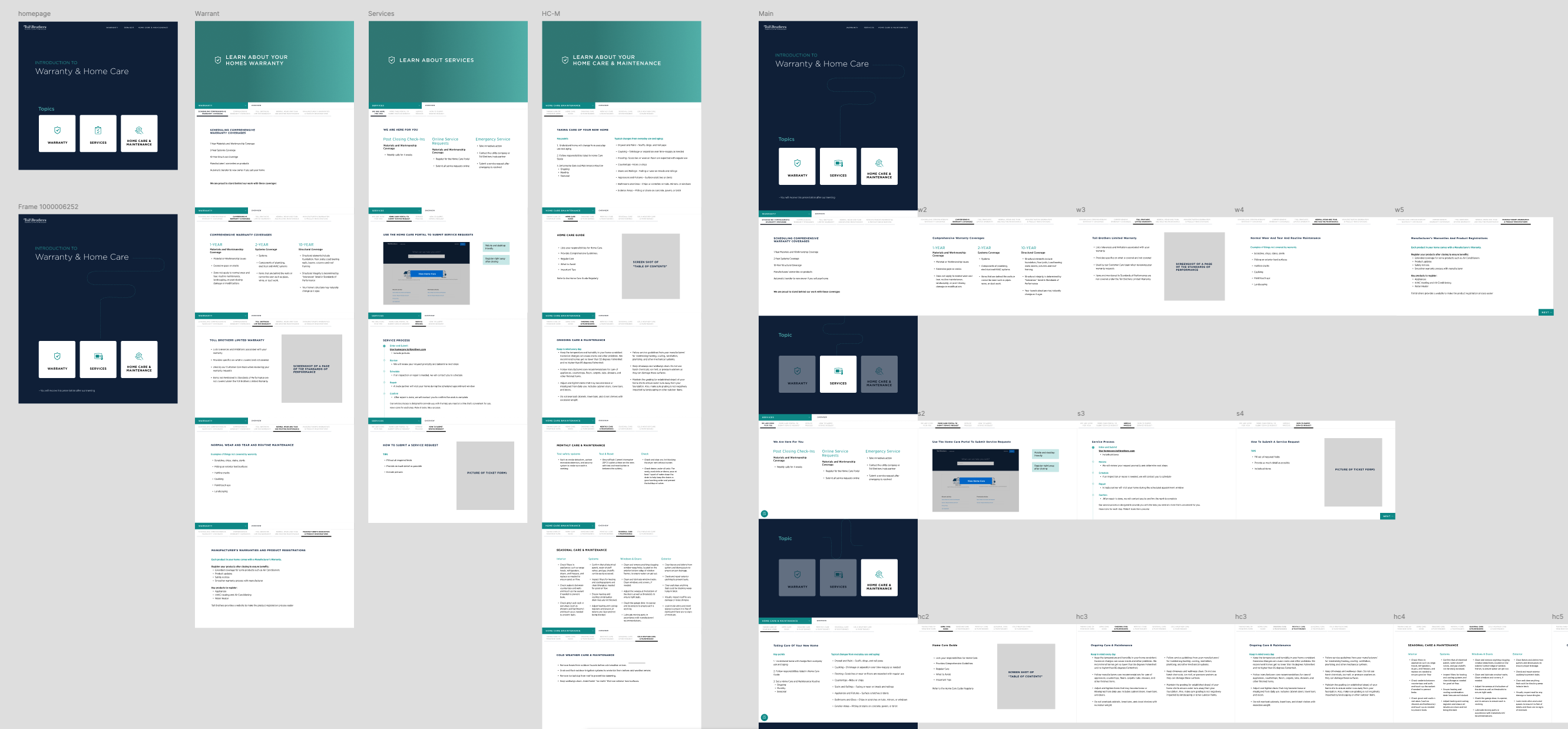
Later-stage iteration: refined slide density, consistent component library, finalized navigation model across Warranty, Services, and Home Care & Maintenance.
Final Solution
One national tool, Website, PDF, and inbox.
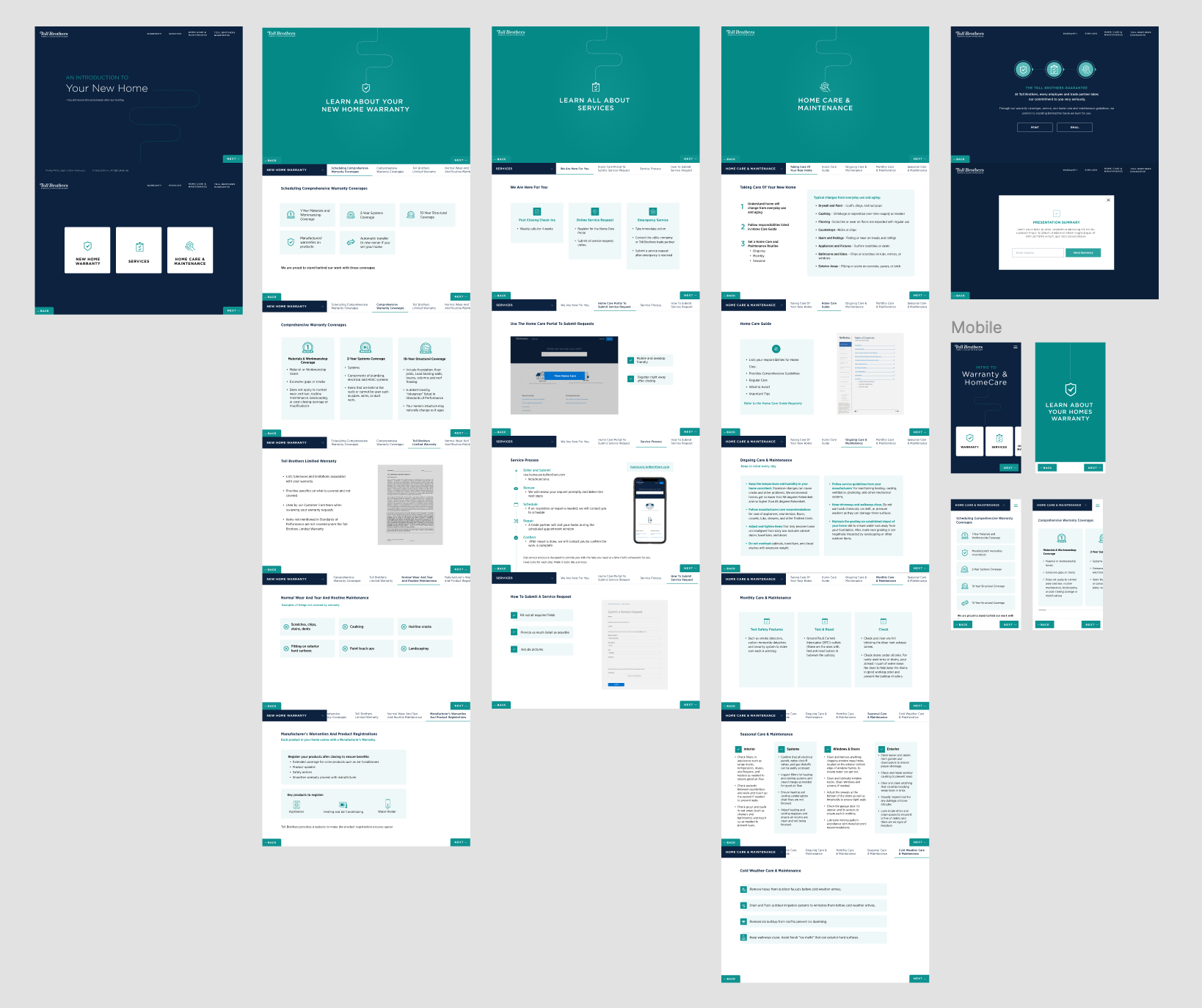
The final design is a web-based presentation at tollbrothers.com/home-orientation, hosted on Okta for offline-first access, navigated by tap or arrow key, printable at letter size, and emailed to buyers by the Customer Care Rep at the close of every orientation.
Tappable slide navigation with topic picker
Arrow-driven progression within each section. A topic picker on the homepage gives CMs direct entry into Warranty, Services, or Home Care matching how they actually run the meeting, not forcing a start-to-finish flow.
Print-ready at letter size, no configuration
A custom print stylesheet ensures the full presentation renders cleanly at letter size with default browser print settings. The Customer Care Rep emails the PDF alongside the Home Orientation Form post-meeting.
Custom icon system across all slides
18 purpose-built teal icons covering coverage, appliance, and maintenance categories — visual consistency at every slide, reinforcing the Toll Brothers brand language nationally.
Final Screens
Outcomes
Reflection
What I'd do differently, and where this goes next.
This project balanced two needs: a performance tool for CMs to guide live conversations, and a reference resource buyers could use months later. Those needs often conflicted, so both were considered at every decision.
From PowerPoint to web, it enabled a single nationally branded experience through Okta with offline access, reliable printing, and better iPad interaction. This created a more consistent, scalable system across all divisions instead of fragmented, division-specific decks.